Ticking off your day
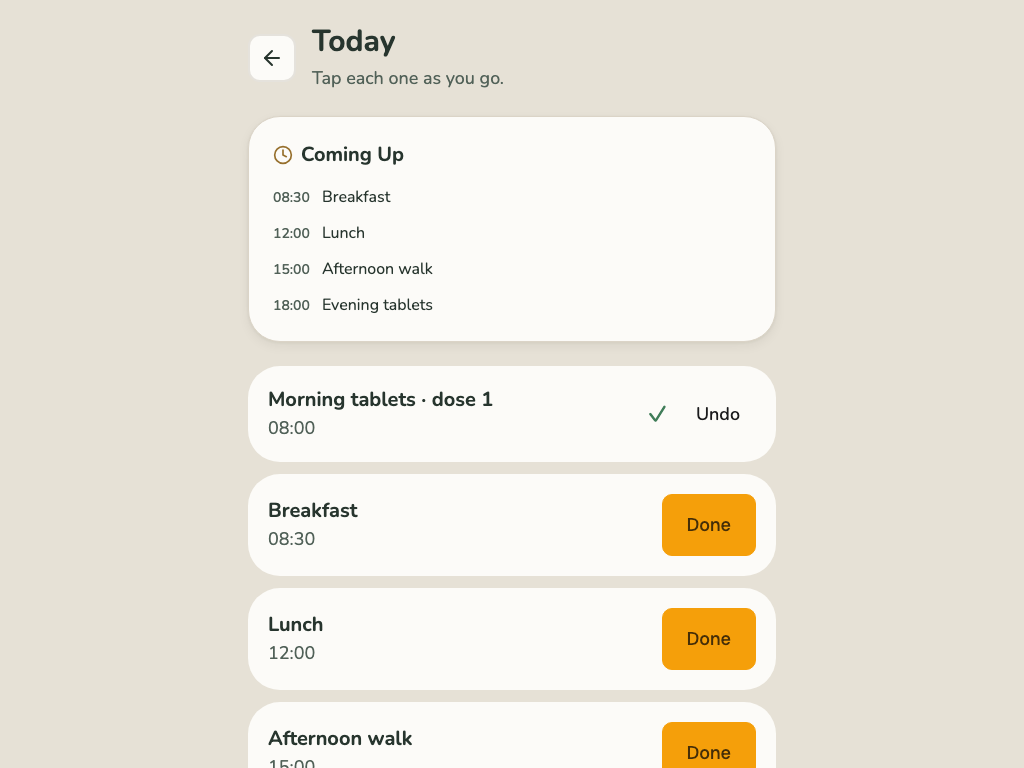
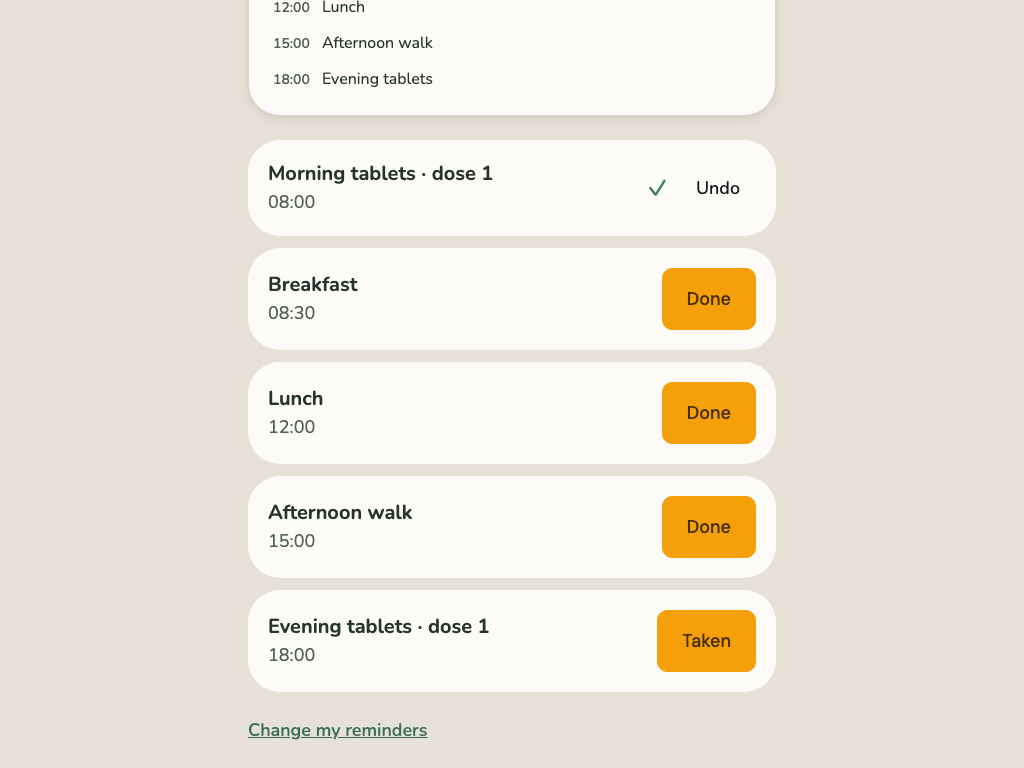
Your routine is your list for the day, in time order.
- When you’ve done something, tap Done.
- When you’ve taken your tablets, tap Taken.
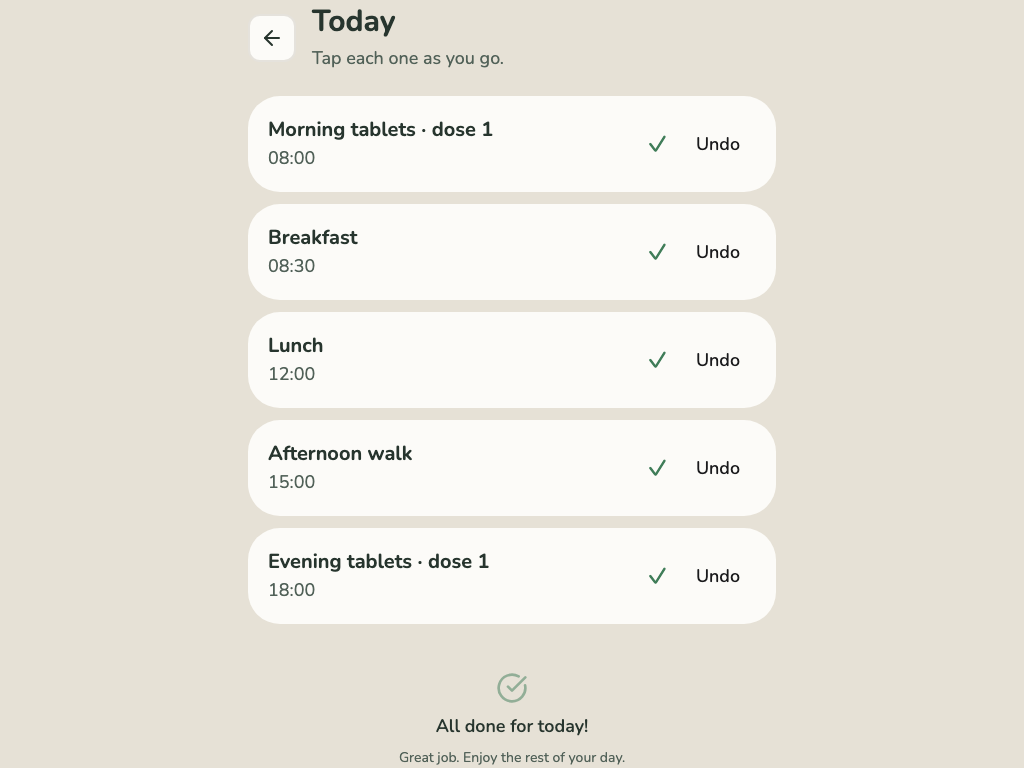
- Tapped by mistake? Tap Undo. For tablets, you can undo for 15 minutes.
- When everything’s done, you’ll see All done for today!
Your family sees what you ticked off, and when.
Keep your usual alarm. Corasom doesn’t ring to remind you yet. If you use an alarm for your tablets, keep using it.
Corasom is not an emergency service. In an emergency, ring 999.