Messages from your family
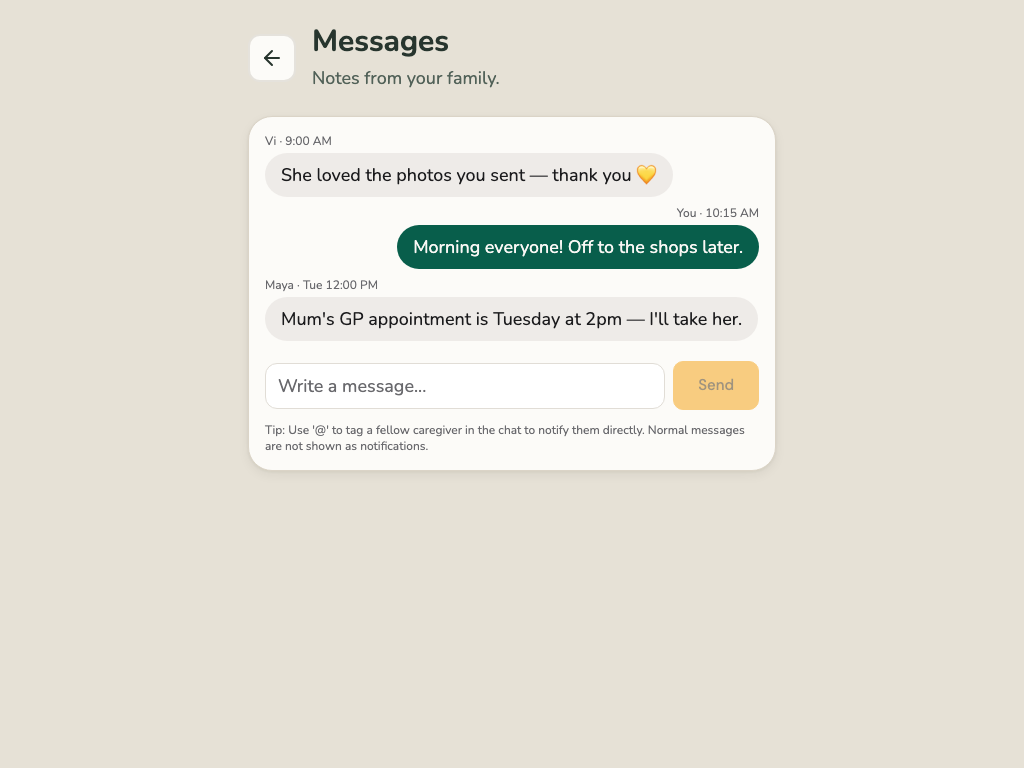
Your family can send you messages in Corasom.
- Tap Messages.
- Your family’s messages are there, with the newest at the bottom.
- To reply, type in the box and tap Send.
Everyone in your family’s circle sees what you send.
If Messages is empty, your family hasn’t sent you anything yet.
Corasom is not an emergency service. In an emergency, ring 999.