Use the family chat, tasks and journal
By the end
Jobs get picked up without a round of phone calls.
On the Family plan, your circle gets a family chat, a task list, and a care journal you can export. All three are on the Family and Journal pages.
Tasks
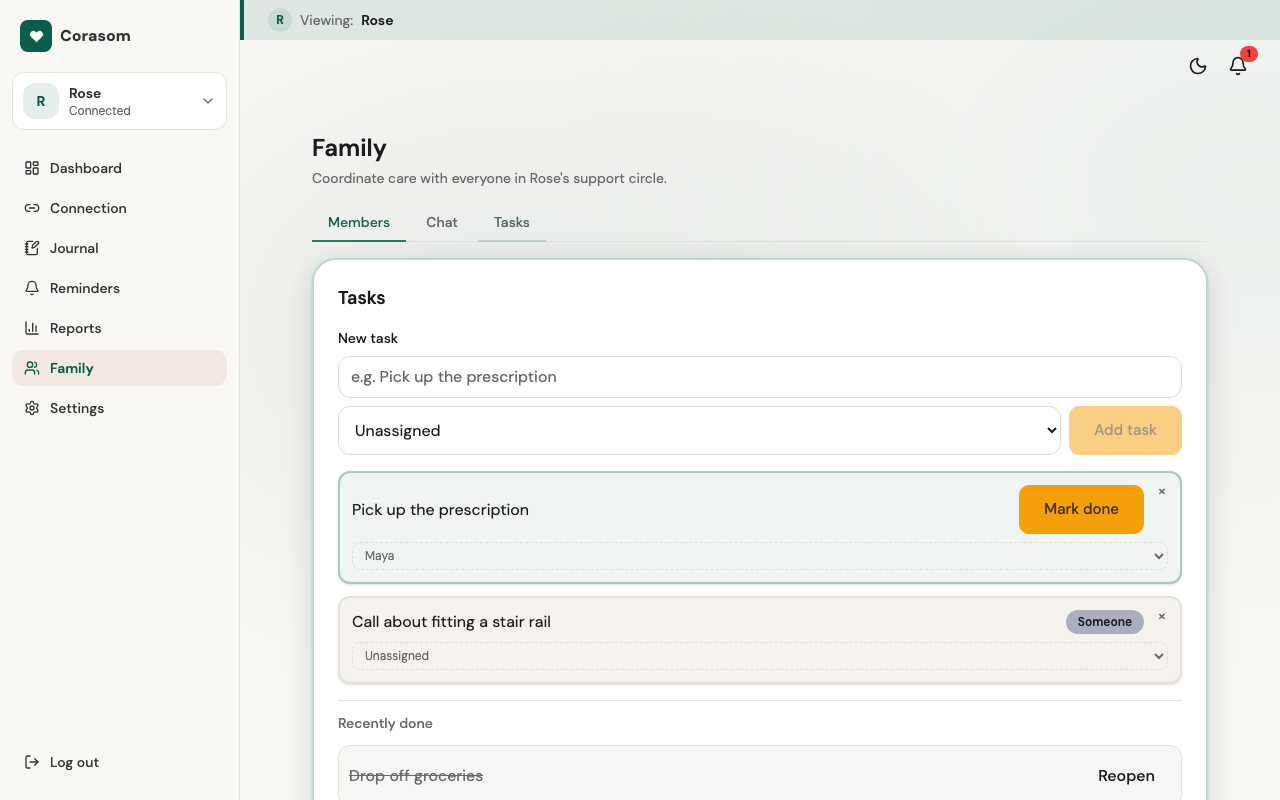
Tasks are the jobs that need picking up. Only the carers in the circle see them.
- Add a task under Family → Tasks, for example “Collect her prescription”.
- Assign it to someone, so they know it’s theirs.
- Mark it done once it’s sorted, so nobody does it twice.
The family chat
Family → Chat is one conversation for the whole circle, including the person you look after. It’s the Messages screen on their side, where they read it and type replies. Mention someone with @ and their name, so they know it’s for them. Anything you write there, they can read.
The care journal
Their journal gathers how they’ve said they’re feeling, and any notes they’ve added, over time. Before a GP appointment, open Journal, choose Export, pick how far back to go, then Prepare. You get a copy to print or hand to the doctor.
That’s the path
From here, Corasom is meant to sit quietly in the background. If anything comes up, everything else is in the library.
Click through it
Tasks
Tasks are the jobs for the whole circle.
-
1. Tasks are the jobs for the whole circle. -
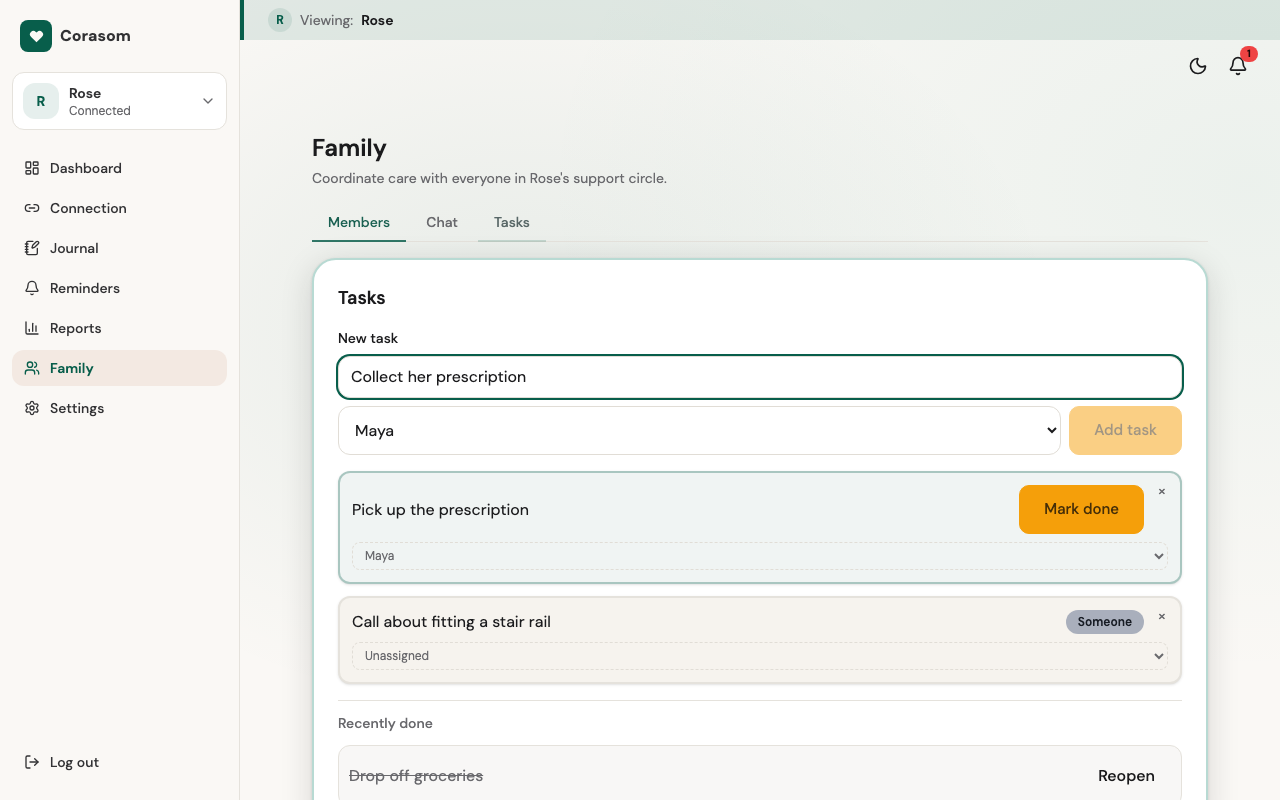
2. Add a task and assign it to someone. -
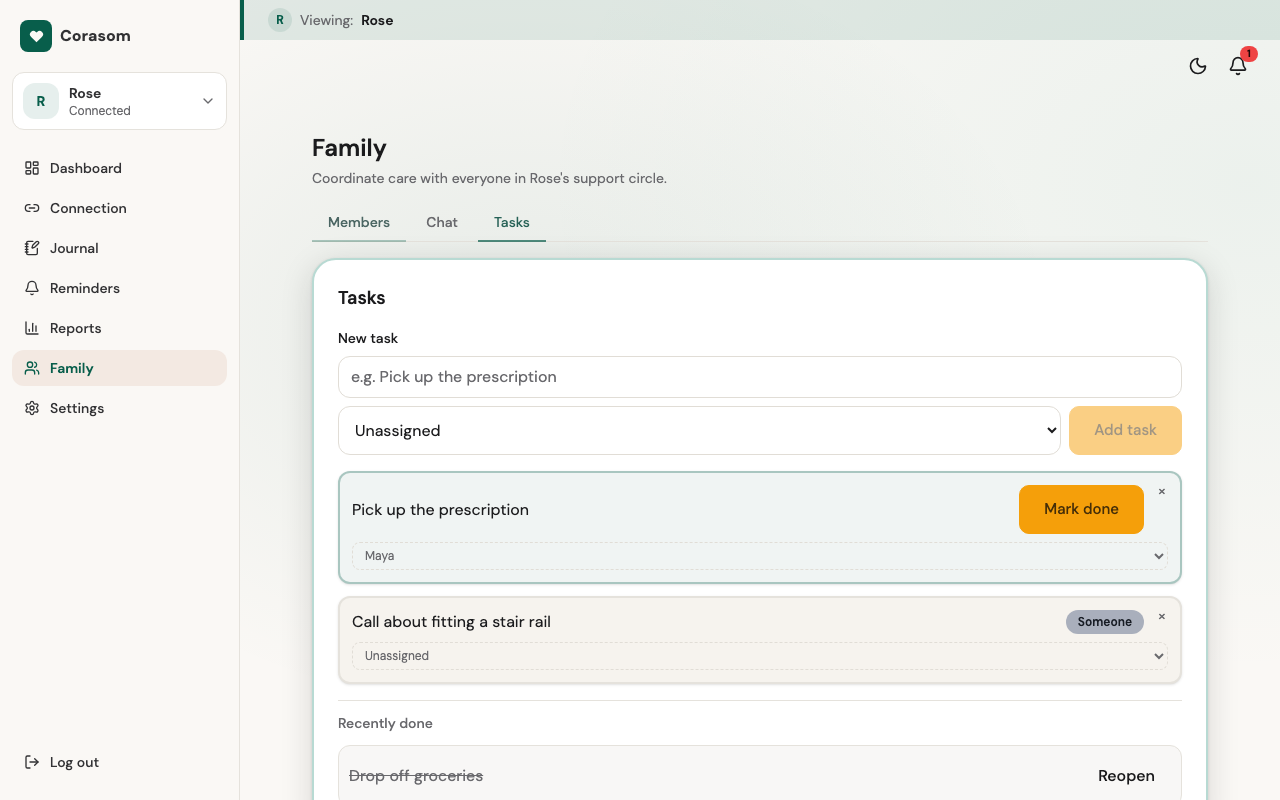
3. Mark it done once it's sorted.
Try it in the demo (opens in a new tab)
Last checked 14 October 2026 · Still stuck? Email [email protected] and a person will answer.